Thursday, September 25, 2014


Friday, June 6, 2014
Parenting Nation Baby Photo Contest
http://www.parentingnation.in/baby-photo-contest-india/_Babyname_Janvi_Pramanik_82526
Looking forward to your likes!
Thanks!
Friday, November 15, 2013
Book Review - Adobe Captivate 7 for Mobile Learning [eBook]
Wednesday, August 29, 2012
Exploring Captivate 6.0
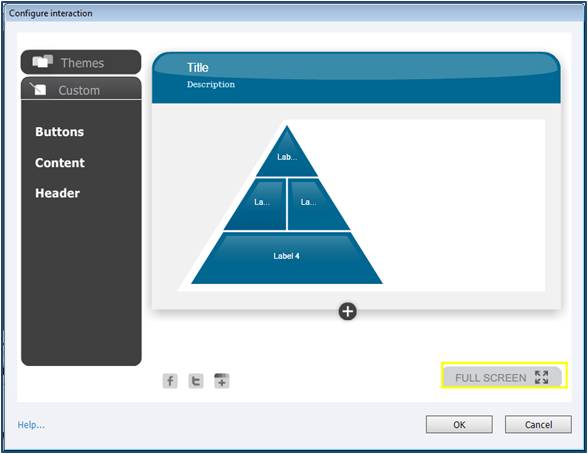
Adobe has introduced Characters and Interactions in this version of Captivate.




Sunday, November 20, 2011
Random Nothings
But am back, back to the world of blogs, back with my experiences and knowledge that I have gained so far as an ID.
Thought, before this year end, let me get back to this platform. Why save all the resolutions for the coming new year. After all we can have year end resolutions too!
So, here I am, resolving to post at least one article every fortnight / month about my day-to-day experiences, knowledge that I acquire, challenges that I face and how I go about them.
Happy blogging to me!
Sunday, November 8, 2009
Captivate 3-Patch Work
Currently am working on a WBT and for that am using Adobe Captivate 3 to capture demonstrations and for certain slides, I have to do patch work.
We all know that if the status of an application is WIP, one thing is clear that you can expect a lot of re-work. And that is precisely what is happening. My concern is that in certain slides where am doing patch work, once am merging it with the background, there's a slight shift which is noticeable if you closely look at it. One of my team mates suggested that I should lock that particular slide and the object to avoid making the shift of the patch work noticeable. Also once you merge an object with the background the quality deteriorates. Nevertheless, locking objects did work.
However, I wanted to know what one should do ideally while doing a patch should work on a slide. What is the best work around? Would be glad if people answer my query.